When has your business outgrown its spreadsheets?
A spreadsheet can run part of a business well for years. These are the signs it has started to cost more than it saves, how to pin down the problem, and three ways forward.
8 min read
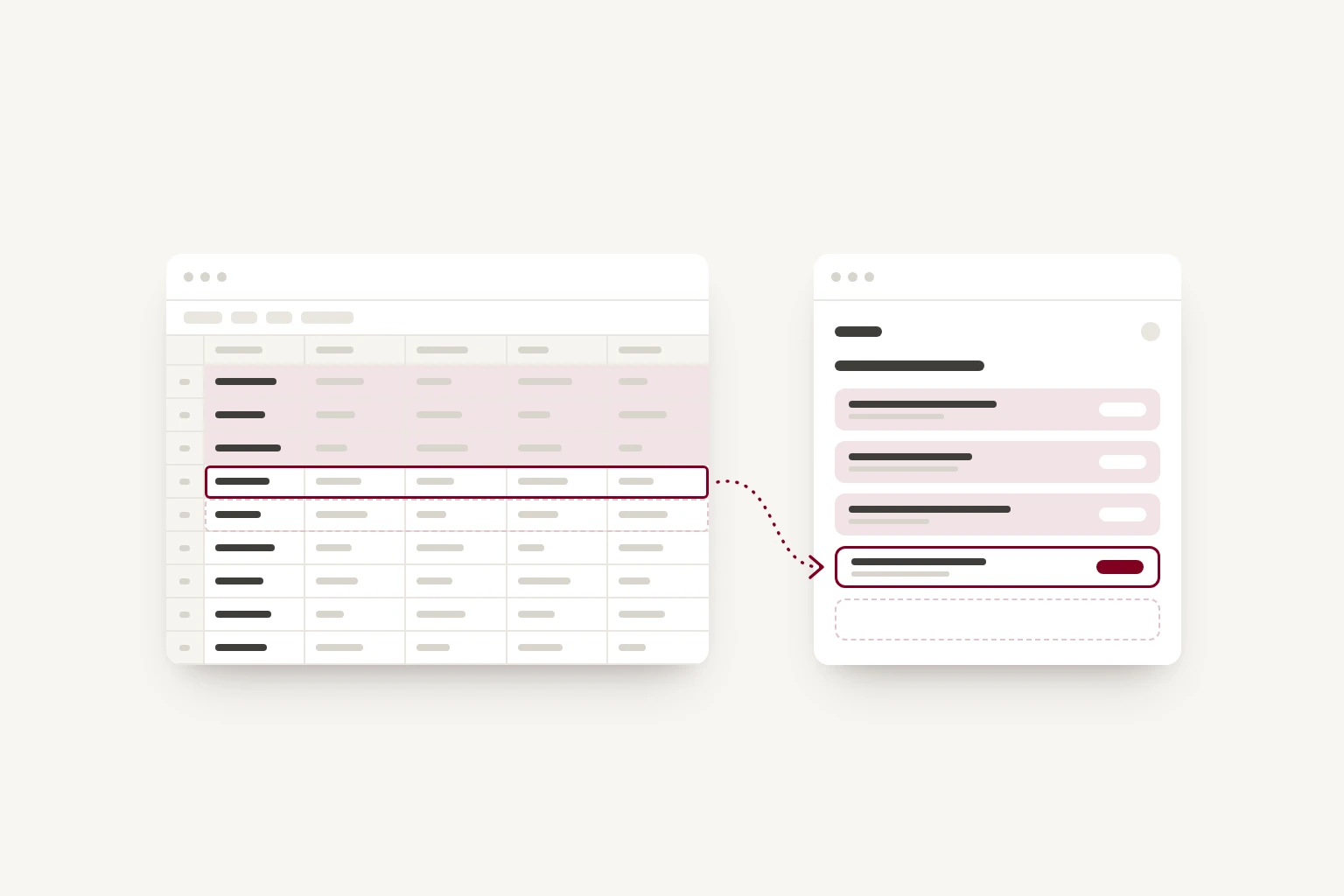
If you spend more time checking a spreadsheet than using the information in it, it may be time to look at how that part of your business is organised.
Many small businesses run part of their work on a spreadsheet: bookings, orders, stock, jobs or customers. That's usually a sensible decision. A spreadsheet costs little, anyone can open one, and it fits whatever you need on the day you set it up.
Problems tend to arrive later, and gradually. More people use it, more columns get added, and more of the business comes to depend on it. At some point it becomes the system the business runs on, without the things a system usually has: rules about who can change what, a record of what changed, and checks that catch mistakes before a customer does. The information in it may still be accurate. Keeping it accurate has become a job of its own.
This post is about recognising that point and deciding what to do next. For many businesses, the answer is to keep the spreadsheet and tidy it.
Signs your spreadsheet is carrying more than it should
You may recognise some of these.
- One person understands how it works. They know which columns matter, which exceptions are allowed and what needs checking. When they are on holiday, things wait or go wrong.
- There are several copies, and people are not sure which is current. A downloaded copy or an old email attachment leaves someone working from information that has since changed.
- The same details are typed in more than once. A customer's name goes into the bookings sheet, then into the invoice, then into the mailing list.
- Remembering is part of the process. A row changing colour means someone should send a reminder, order materials or chase an approval.
- Customers find the mistakes. A double booking, an out-of-date price, or an order that fell between two tabs.
- People overwrite each other's changes. Two people edit at once, or someone sorts one column without the rows beside it.
- Simple questions take an afternoon. How many customers came back this year? Which jobs lost money? The information is there, but getting an answer means filtering, copying and checking by hand.
- People are nervous of changing it. The file is slow to open, the formulas are long, and improvements get put off because people worry about breaking something they cannot easily fix.
- Access is hard to manage. Someone may need a few details to do their work, but sharing the spreadsheet can show them everything in it, including personal information that data protection rules expect you to take reasonable care of.
One or two of these is normal for a busy business. When several appear together, and especially when mistakes are reaching customers, the spreadsheet is probably costing you more than it saves.
Describe the problem before you look for a solution
Start with one question for the person who knows the spreadsheet best: if you were away for two weeks, what would go wrong?
Then follow one piece of work from beginning to end. Take a booking, for example. Where does the enquiry arrive? Who checks availability? Where is the agreed price recorded? What happens when the customer changes the date? Include the steps outside the spreadsheet too: the phone call, the message to a colleague, the note left for tomorrow.
For a week, keep a rough tally of how often someone copies information, checks an entry or corrects a mistake. Then try to describe the problem in one sentence, such as staff have to check three places before they can confirm a booking.
That sentence gives you something specific to improve, and it's a far better starting point for anyone advising you than a request to replace the spreadsheet.
Three ways forward, from the least effort to the most
Tidy the spreadsheet
If the problem is how the spreadsheet is organised rather than what it's being asked to do, a tidy-up can fix a lot of it, often in a day or two.
- Keep one copy in a shared tool with version history, such as Google Sheets or Microsoft 365, so there is one current version and a record of changes.
- Give each kind of record its own sheet, with customers on one and bookings on another, linked by a reference rather than typed twice.
- Use drop-down lists for fixed values such as status or product, so the same thing is spelled the same way each time.
- Lock the formulas and headings so they cannot be overwritten by accident.
- Write a short page explaining how it works, so someone else can cover when the usual person is away.
It's also worth checking whether software you already pay for can take on the task. Your booking or accounting system may have a feature you have not set up.
This is the right answer more often than people expect. If the tidied version handles your work, you can stop here. If it does not, the tidy-up will still have made the process clearer before you spend money on something new.
Use software that already exists
If what you're tracking is common to many businesses, such as bookings, invoices, customer contacts or stock, there is probably a product built for it. Many are good and inexpensive to start with, and someone else maintains them, so keeping them updated and secure is their job.
There are also tools that sit between a spreadsheet and custom software. Database tools such as Airtable look like a spreadsheet but let you set up proper records, links between them, and permissions. For some businesses they are a sensible next step.
Before you commit, try the product with real work, including an awkward case: a cancelled booking, a partial payment, or a job that needs two people to approve it. Check that it removes the manual steps you found, and find out how your existing information would come across, whether you can export it later, and whether it connects to the other tools you use.
The trade-offs are worth knowing before you sign up. You usually pay per user each month, so the cost grows with your team. You adapt how you work to fit the product. And if your work spans several products, you may end up copying information between them, which is one of the problems you set out to solve.
Build a small custom tool
Custom software makes sense when the available products keep leaving the same gap. Perhaps your bookings depend on a combination of staff, equipment and travel time, or a price needs information that someone currently gathers by hand from several places. It also makes sense when your way of working is part of why customers choose you.
The important word is small. It can mean one screen that replaces one spreadsheet, with the rules your formulas used to enforce built in. For example, a booking cannot be confirmed without a deposit, stock is reordered at a set level, and a reminder goes out on the right day. It can be built in stages, starting with the part that causes the most trouble, and each stage works on its own. Depending on how your information is stored, you may be able to keep the spreadsheet for reporting while the daily work moves into the new tool.
It costs more at the start than a subscription or a tidy-up, and it needs looking after, which means hosting, updates and someone to contact when something needs changing. It tends to be worth it when the time saved, the mistakes avoided, or the work it lets you take on add up to more than that. Our custom software page explains how we approach it.
Allow for the changeover
Whichever way you go, moving to something new takes time. Existing records may need cleaning up, your team needs to learn the new way of working, and someone needs to be responsible for support.
Before you commission or sign up for anything, agree:
- which task the first version will handle
- what information needs to move across, and how you'll check it arrived correctly
- who will test it with real work
- what happens if the new tool is unavailable for a day
- who owns the code and the accounts, and who maintains them.
Weigh that against the time, mistakes and delays you tallied earlier.
Your spreadsheet is already a specification
Whatever you decide, keep the spreadsheet. It's probably the most detailed description of how your business works that exists.
It records the information that matters in its columns and the rules in its formulas. The stages work moves through are in its colour coding, and the exceptions a new system will need to handle are in the notes column. It's also how you'll check a new system: if it cannot handle a case in the spreadsheet, you'll find out before you switch over.
So you do not need a written specification to ask for advice. The spreadsheet, your one-sentence problem and a few examples of where things go wrong are a good place to start.
If you're not sure which way forward fits, Groundwork, our fixed-price exploration, is for this situation. We look at how the work flows day to day, where time goes, and what depends on one person's knowledge. Then we assess where software could help and which ideas are worth taking further. If you'd rather talk it through first, get in touch and tell us which task is taking more attention than it should.