Before you replace your business software, could you connect it?
Replacing software that does its job is expensive and disruptive. Often the problem is the gap between two tools, and a small connection can close it.
5 min read
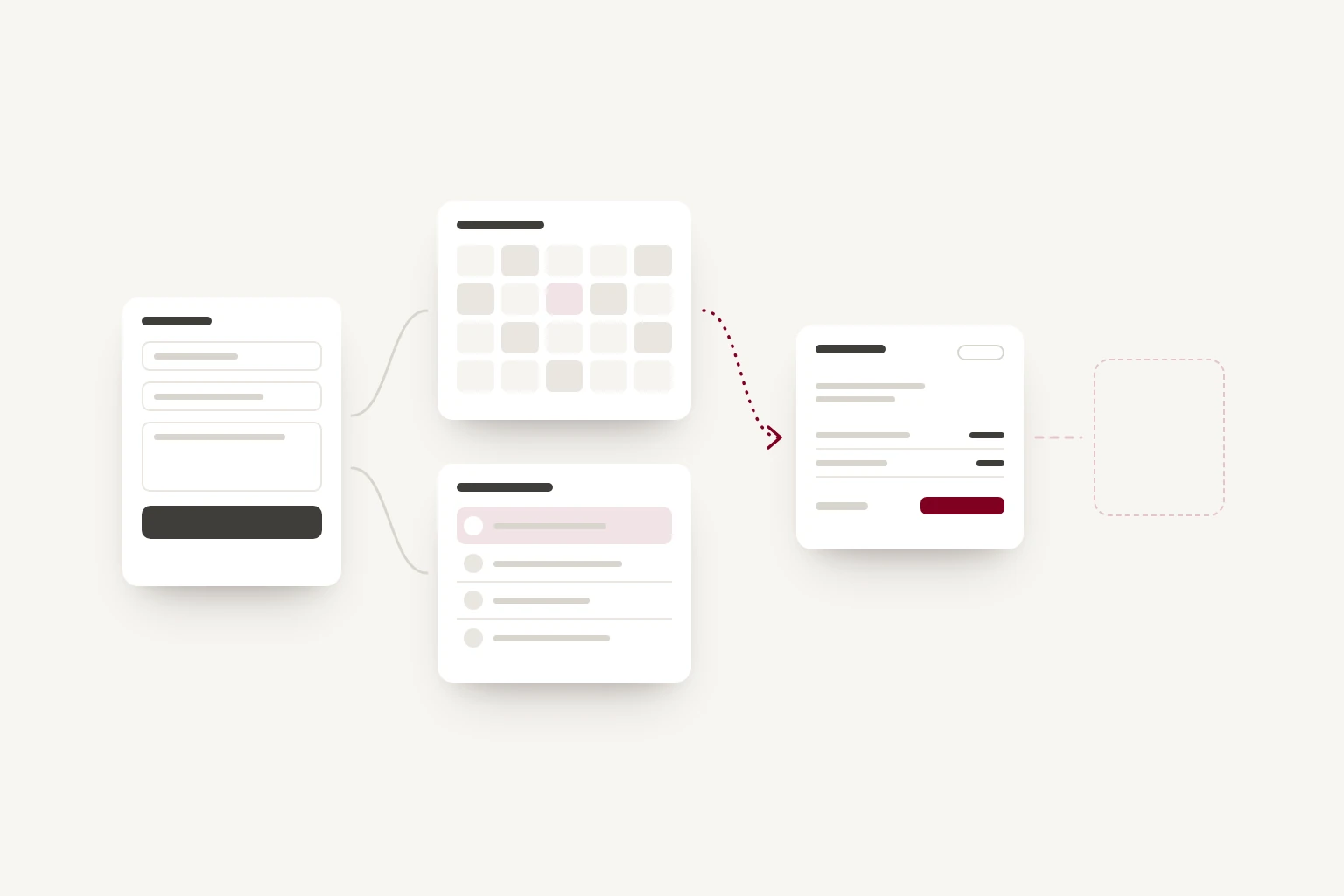
Often, yes. Many small businesses use several tools that each do their own job well: a form on the website, a booking calendar, a customer list and an accounting package. The trouble is usually the gaps between them, where someone copies details from one tool into the next. Replacing everything with one system is one answer. Connecting what you already have is often a smaller and cheaper one.
Follow one enquiry through your business
Take a typical enquiry and follow it from start to finish. For many businesses it goes something like this.
- A customer fills in the form on your website, and the details arrive by email.
- Someone reads the email and types the booking into the calendar.
- They add the customer to the customer list, sometimes called a CRM.
- When the work is confirmed, someone creates an invoice in the accounting software and types the name, address and price again.
- Later, someone adds the customer to the mailing list.
In that example, the customer's name is typed four times, by hand, into four different tools. Each copy takes a few minutes, and each is a chance to misspell an email address or enter the wrong price.
Try the same with one piece of your own work. Note each time a detail that already exists somewhere is typed in again. Those are the gaps.
What a connection does
A connection passes information from one tool to another when something happens. In the example above, it could work like this:
- When someone sends the website form, a new customer record is created and a booking request appears in the calendar.
- When the booking is confirmed, a draft invoice is created with the customer's details and the agreed price.
- When the invoice is paid, the customer is added to the mailing list, if they agreed to it.
Notice that the invoice is a draft. A connection does not have to take decisions away from people. It can prepare the work and leave someone to check it and press send.
This is possible because much business software offers a way for other systems to send it information and ask for information back. This is called an API. Whether a tool has one, and what it allows, decides how easily it can be connected.
Three ways to connect, from the simplest
Use the connections your tools already offer
Many booking, accounting and customer tools connect to each other directly. Look in each tool's settings for a section called integrations, apps or a marketplace. If two of your tools already connect, setting it up may take an afternoon and cost nothing extra.
The limit is that you get the connection the software's makers chose to build, which may not match how you work.
Use an automation tool
Tools such as Zapier and Make let you set up rules of the form when this happens in one app, do that in another, without writing code. They support thousands of apps and suit simple, one-way steps, such as adding every new form enquiry to a customer list.
They have trade-offs worth knowing before you rely on them:
- They usually charge by the number of tasks they run, so the cost grows as your business does.
- A chain of several automations can become hard to follow, and a failure partway along may go unnoticed.
- They can only do what each app allows them to do.
Build a custom connection
A connection built for your business makes sense when your tools are not supported by the options above, when the rules are specific to how you work, or when the volume makes per-task pricing expensive. Rules like which staff member gets this booking, which price applies or what to do if this customer already exists are where off-the-shelf connections tend to struggle.
A custom connection can follow your rules exactly, and it's often a small project rather than a large one. Like any software, it needs hosting and someone to look after it when one of the connected tools changes.
Plan for what happens when it goes wrong
Connections can fail from time to time, so decide how yours will handle problems before anything is built:
- When a transfer fails, because a service is down or a detail is missing, someone should be told, and it should be possible to try again without creating the same record twice.
- When the same customer arrives twice, perhaps with a different email address, decide how the connection recognises them: by email, by phone number, or by asking a person.
- When the same detail is changed in two places, decide which tool has the final say. For many businesses, the accounting software has the final say on prices and payments, and the customer list has it on contact details.
- Keep a simple record of what was sent where and when, so that when something looks wrong, you can find out why.
When replacing is the better choice
Connecting is not always the answer. Replacing a tool is likely to make more sense when:
- the tool is failing at its own job, not only at sharing information
- you would need to connect several tools to do what one product does well
- a tool cannot share its information at all, with no export and no API
- the subscriptions and connections together cost more than a single product that fits.
If that's where you are, the advice in our post on outgrowing a spreadsheet applies here too: try any replacement with real work, including the awkward cases, before you commit.
Where to start
- Follow one enquiry through your business, and note each time a detail is typed in again.
- Choose the gap that costs the most time or causes the most mistakes.
- Check whether the two tools on either side of it already connect directly.
- Decide which tool has the final say for each kind of detail.
Connecting to the software you already use is one of the eight things a custom build can do that we have written about before, and it applies to your business tools as much as to your website. If you'd like help working out which gaps are worth closing, Groundwork, our fixed-price exploration, looks at how the work flows day to day and where software could help. Or get in touch and tell us which tools you use and where the copying happens.