What could your customers and staff do if they could log in to your website?
A private area of your website, where customers, staff or both log in, can start with one useful feature and grow from there. Ideas for different kinds of business, and what to think about first.
6 min read
Many business websites show the same pages to everyone. Once someone becomes a customer, much of what happens next moves to email, phone calls and attachments: where is my booking, can you send that invoice again, what time should I arrive?
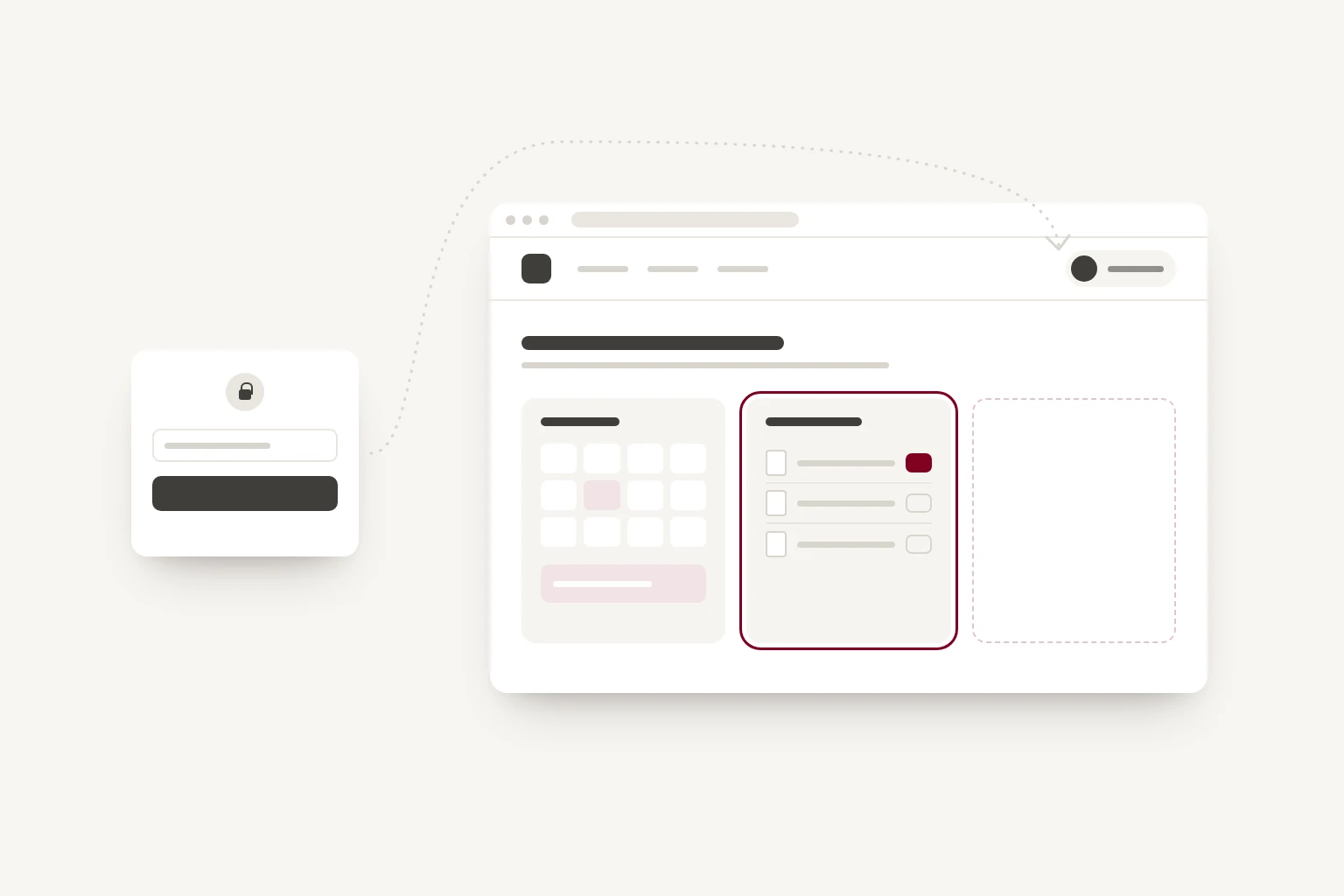
A logged-in area is a private part of your website where each person sees what belongs to them. A guest sees their booking. A client sees their documents. A member of staff sees today's jobs. You may have heard it called a customer portal or a client area.
For many businesses, it's also one of the simplest places to start with custom software. It sits on the website you already have, it can begin with a single feature, and it can grow when that feature has proved useful.
Start with the question you are asked most often
A logged-in area does not need to be a large system on the first day. A good first feature is usually something people currently ask you for by email or phone, because you already know they want it.
For example:
- Where has my job got to? A page showing its status, updated by your team, can replace many of the chasing emails.
- Can you send that again? Invoices, contracts and certificates kept in one place, ready to download.
- What do I need to bring? Details that depend on the person, shown to the right person at the right time.
Once the first feature is in use, you can see whether it saves the time you hoped. Then you choose the next one.
Ideas for different kinds of business
These are illustrations, to help you picture what yours might hold.
- Holiday rentals and hotels. Guests see their booking, arrival details and a local guide, and can order extras before they arrive. Owners see their bookings and statements.
- Professional firms, such as accountants, architects and consultants. Clients upload documents, approve drafts and see where their work has got to, without chasing by email.
- Training providers. Learners book sessions, see their progress and download certificates. Instructors see their own schedule and record attendance.
- Trades and installers. Customers accept quotes, see photos of finished work and know when their next service is due.
- Wholesale and trade suppliers. Trade customers see their own prices, reorder in a few clicks and download specification sheets and invoices.
- Property and lettings. Tenants report a repair with photos and follow its progress. Landlords see their statements.
- Studios, gyms and clinics. Members book and manage classes, see how many sessions they have left and fill in forms before their first visit.
Staff can log in too
A staff area is often the quickest to get going, because the people using it already work for you and can tell you what is missing. Ideas include rotas and holiday requests, opening and closing checklists, written procedures, stock counts, and job sheets for people working away from the office.
You can have both. Customers and staff can use the same website and see different things when they log in, and a manager can see more than a new starter.
Bolted on, or built in
Any website, including Squarespace, Wix and WordPress sites, can have a button marked Log in that links to a separate system. Many booking, accounting and project tools offer a customer login of their own, and if one of them does what you need, linking to it can be a sensible and inexpensive choice.
Some platforms also offer member areas. These usually suit content that people pay for or sign up to, such as courses, a newsletter or members-only pages.
The limits tend to show when the logged-in area needs to hold your own records, follow your own rules, or feel like part of your website. When the login is a separate system, customers usually move to a different design, sometimes on a different web address, and your website has no idea who they are.
When the logged-in area is built into the website, the whole site can know who is visiting:
- A small Signed in as note can appear in the header on every page.
- A booking or enquiry form can fill in details the person has already given you.
- Public pages can show something personal, such as a trade customer's own prices or a guest's arrival date.
- The design and the address stay the same throughout, so customers have one place to remember.
What to think about first
Before anything is built, answer four questions:
- Who logs in? Customers, staff or both, and whether different people should see different things.
- What will each person see and do? Start with the first feature, and keep a list of the ones that might follow.
- Where does the information come from today? A spreadsheet, an email inbox or another tool. If it's another tool, connecting to it may be part of the work, which we have written about in our post on connecting your software.
- How will people sign in? Passwords are familiar, but people forget them. Many sites now send a sign-in link by email instead, which is how the tools we use to run Whitespace work.
A logged-in area holds personal information, so security and data protection come with it. People should see only their own records, staff access should match each person's role, and you should be able to remove someone's access the day they leave. Data protection law, such as the UK GDPR and the EU GDPR, expects you to take reasonable care of personal information, and a logged-in area can make that easier than emailing attachments, provided it is set up with care.
Like any software, a logged-in area needs hosting and someone to look after it, including updates when the tools it connects to change.
Let it grow one feature at a time
Because a logged-in area can start small, it does not have to be paid for as one large project. A first feature can be built and launched, and each month a little more can be added: a new document type, online payments, a staff checklist, a report for the owner.
This is what our skills retainer is for. You reserve a set amount of our time each month, and we spend it where it's most useful, whether that's a new feature, a design change or upkeep. It suits a logged-in area well, because the most useful next feature is often one your customers or staff suggest once they are using the first.
Where to start
- For a week, note the questions customers and staff ask you by email or phone.
- Mark the ones a web page could answer if it knew who was asking.
- Choose the one that takes the most time, and make that the first feature.
- Decide who logs in, and what each person should see.
If you would like help working out what your logged-in area could start with, Groundwork, our fixed-price exploration, looks at how your work flows day to day and where software could help. Or get in touch and tell us which questions you are asked most often.