If your web designer stopped answering, could you still update your website?
Many owners find out who controls their website only when they need to change something and cannot. Here is a check you can do in about ten minutes, and how to fix each gap.
5 min read
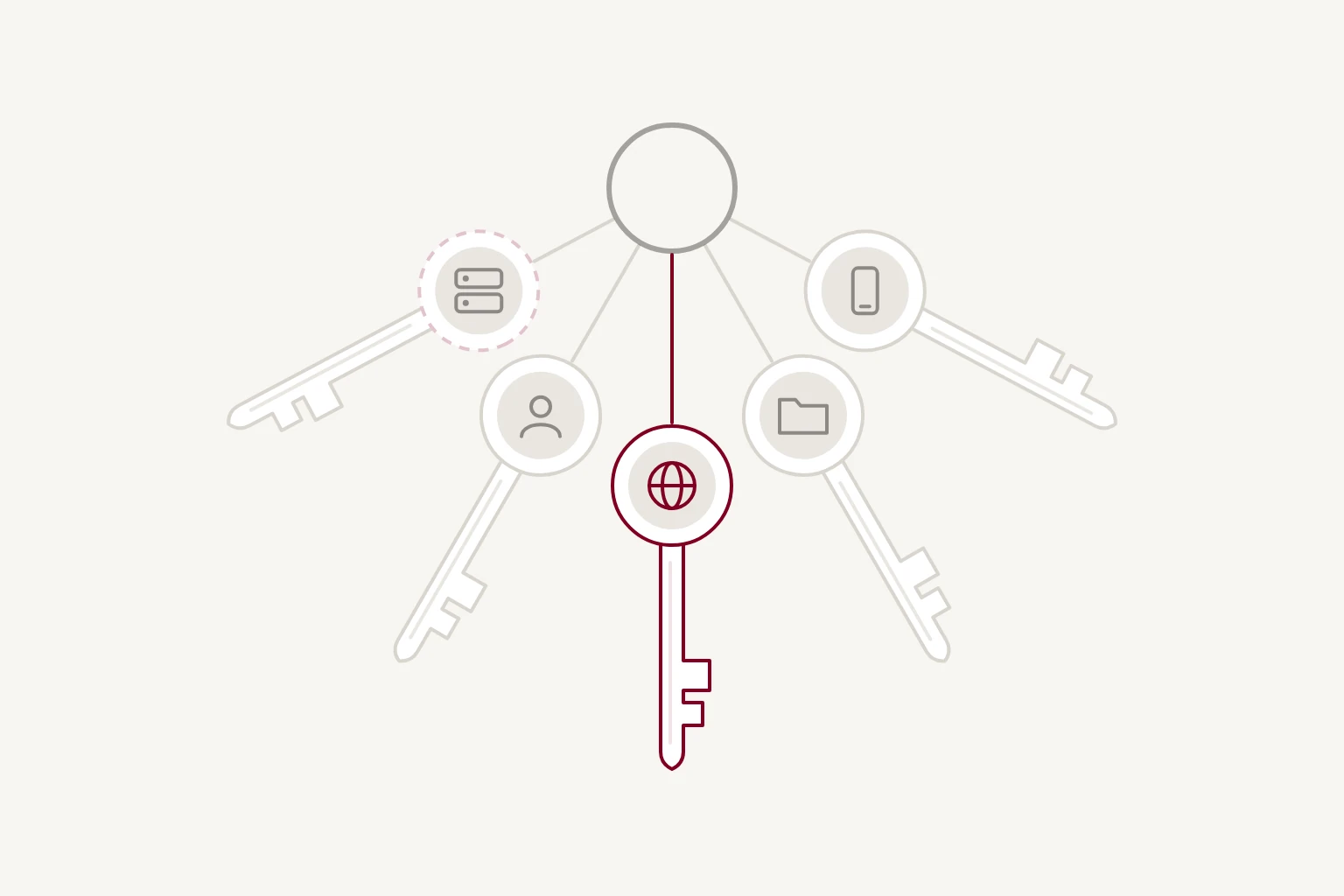
For many businesses, the answer is probably not. Nobody did anything wrong. The accounts were set up during the build, often in a hurry, and nobody wrote down where everything lives.
It usually comes to light at an awkward moment: a price needs changing, the site goes down, or the domain name is about to expire and the renewal email is going to someone who no longer works with you. On UK business forums, owners describe sites that were finished, published and fully paid for, and that they still could not change.
Here is a check you can do in about ten minutes. Each point comes with what a good answer looks like and how to fix it if the answer is no.
1. Is the domain registered in your business’s name?
Your domain is your web address, such as yourbusiness.co.uk. It's registered with a company called a registrar, and the person or business it's registered to is the owner.
How to check. Sign in to the registrar's website. If you do not know which registrar holds it, or do not have an account, that is your first answer. For many addresses you can also look up the registered owner with a public lookup tool, called a WHOIS search, though some details may be hidden for privacy.
What good looks like. The domain sits in an account your business controls, it is registered to your business, it renews automatically, and the renewal emails go to an address someone reads.
Why it matters most. If your email addresses use the same domain, your email depends on it too. Whoever controls the domain controls where your website and your email point.
If the answer is no. Ask your designer or developer to move the domain into an account in your name. Registrars have a standard way to do this, usually with a transfer code, and it's routine for them.
2. Do you have your own account with the hosting company?
Hosting is the service that keeps your website online. A shared password is not the same as an account of your own: if the account is in someone else's name, they can close it, and you have no say.
What good looks like. The hosting account is in your business's name and paid on your card. Your designer or developer can be added as a user with their own sign-in, and you can remove them at any time.
If the answer is no. Ask for the hosting to be moved into an account you own, or for your own account to be made the owner of the existing one. Many hosting companies have a way to transfer a project or an account.
3. If the site runs on a platform, are you the account owner?
Site builders such as Squarespace, Wix and WordPress.com usually have one owner per site, and other people can be added as contributors with fewer permissions. A contributor can often edit pages but cannot pay the bill, change the domain or transfer the site.
What good looks like. Your business is the site owner, and your designer or developer is a contributor.
If the answer is no. Most platforms let the current owner transfer ownership to another account. It takes a few minutes, and it is much easier to arrange while you are both in touch.
4. Do you have a copy of the content and images?
Your words, photos, product details and any customer records collected through the site are yours, wherever the site lives.
What good looks like. You keep the original photos and copy somewhere of your own, and you know how to export what the site holds: pages, blog posts, products, form entries.
If the answer is no. Make a copy now. Platforms differ in what they let you export, and some export only part of a site. We have written about what transfers between platforms and what does not.
5. Do you know who you would call if it went down on a Friday afternoon?
A site can go down because a payment failed, a certificate expired, a plugin update broke something, or the hosting company had a problem.
What good looks like. You know who looks after the site, how to reach them, and what they can do without you. You also have a one-page note of where everything lives: the registrar, the hosting company, the platform, and who has access to each. Keep the passwords themselves in a password manager, not in the note.
If the answer is no. Write the note today, using your answers to the four questions above. Then agree with your designer or developer, or someone else, who is responsible when something breaks.
If you are already locked out
If your designer or developer has stopped replying, start with the domain, because the website and often your email depend on it.
- Contact the registrar. Explain that the domain belongs to your business and ask what evidence they need. For .uk addresses, Nominet, which runs the .uk register, may also be able to help. It can take time and paperwork.
- Contact the hosting company or platform. They may be able to help if you can show the site is for your business, though they are not obliged to hand over someone else's account.
- Keep everything in writing. Invoices, contracts and emails that show you commissioned and paid for the site are your best evidence.
Sometimes the quickest route is to rebuild somewhere you control and point the domain at the new site. That is only possible once the domain is yours, which is another reason to start there.
Fix it while everyone is still talking
Most of these gaps are easy to close while you are on good terms with your designer or developer. It's a reasonable thing to ask, and a good one will be glad you did. It is much harder later.
If you are about to hire someone, ask about this before you sign. It is the first of our five questions to ask any web designer.
When we build a website, we publish it on hosting in your name and hand over the sign-in details at launch. You can remove our access at any time, and the design and code are yours with no licence to renew. That's set out on our websites page.
If you have done the check and found a gap you are not sure how to close, get in touch and we will tell you what we would do.