Rebuild or migrate? Why moving a platform website usually means rebuilding it
Your domain follows you and most of your words can be exported, but the design stays behind, so moving a hosted platform site usually means rebuilding it.
7 min read
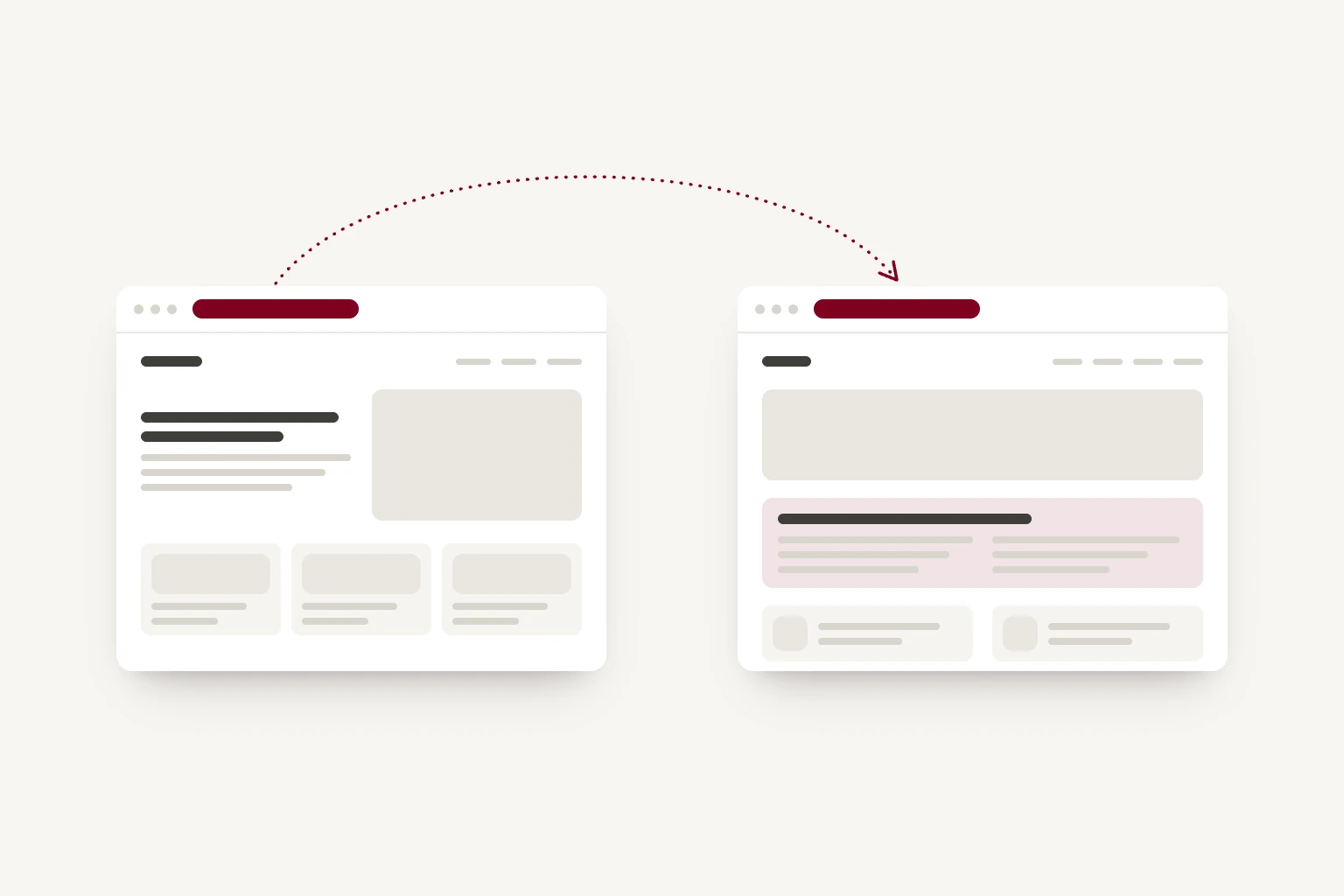
You cannot move a website off a hosted platform the way you move a file between two computers. Your domain will follow you, and most of your words and images can be exported. The design will not come with them. What gets called migrating a site is, almost always, rebuilding it, and knowing that early changes the question you're asking.
The question many people think they're weighing is: do I keep what I have, or do I start again? It's a reasonable question with a comforting answer, which is usually "keep". But if you're moving at all, you're rebuilding either way. The real choice is what you rebuild onto.
What transfers, and what does not
It helps to stop treating a website as one object. It's four, and they separate cleanly.
Your domain travels. This is the part people worry about most, and it's the part that moves most easily. A domain is registered to you, not to the platform hosting your site, and it can be pointed anywhere. Even where a platform sold you the domain as part of a bundle, you can normally unlock it and transfer it out. Your address stays the same. If your email runs through the same provider, it needs moving with care, but it can carry on working throughout.
Your content mostly travels, in a reduced form. Most platforms offer some kind of export. What comes out is usually the text of your pages and posts, plus your images, in a generic format. What tends not to come out cleanly: anything built with the platform's own special blocks, product catalogues and their variants, form submissions and the forms themselves, custom fields, and the settings that decide how everything is arranged. You get the words. You do not get the pages.
Your design does not travel. This is the part that surprises people, and it's not a failing of any particular platform. It's how they work. Your site's design is not a document sitting in your account. It's the platform's own system applying its theme, layout rules and styling to your content every time someone visits. There is no file that contains how your website looks. There is a system that produces it, and that system stays where it is.
Your standing on Google can travel, if it's handled properly. Rankings are attached to page addresses, and a rebuild is where addresses are most easily broken. Done carelessly, this is the part of a move that can cost you something. Done properly - old addresses mapped to new ones, redirects in place before the switch, nothing dropped - it carries over.
Put together: you keep your address, you keep your words, and you rebuild the site.
Why the design cannot come with you
Imagine asking a hotel to send you your room. Not a photograph of it, and not a list of what was in it - the room. The furniture can be shipped. The layout, the light through that window, the way the corridor opens onto it: those belonged to the building, not to your stay.
A hosted platform is the building. The theme, the section types, the spacing, the way the navigation collapses on a phone, the animation when a panel opens - these belong to the platform and are shared with every other site on it. That's what you were paying for, and it's a fair deal. But it means there's nothing to hand over. When you leave, you take the contents of the room.
WordPress is a different case
Self-hosted WordPress does not belong in the sections above, and it would be convenient but wrong to put it there. It's open source. The content exports properly, the code sits on hosting you control, and you can move it between hosts or hand it to another developer without anyone's permission. On ownership, WordPress is sound.
Its difficulty is a different one: accumulation. A site that has been running for a few years is often a theme, a page builder and a long list of plugins, each on its own update cycle, each a small ongoing security task, and each adding weight to the pages visitors load. The plugins that make it work can also make it slow, and the maintenance is ongoing.
There's also a specific trap worth knowing about. If your pages were built with one of the large page builders, the layouts are stored in that builder's own format. Turn the builder off and the pages do not revert to plain content - they come apart. So a WordPress site often keeps its ownership promise while still needing a rebuild to modernise, for reasons that have nothing to do with lock-in and everything to do with what has been added over the years.
What this means for the money you have already spent
The instinct to protect an existing investment is sound. Here, it's pointing at the wrong thing.
If you paid for a platform site three years ago, that money bought you three years of a working website. It has been spent, and it did its job. What it did not buy is something you can take with you, because there's nothing to take: no code, no design files, nothing that belongs to you rather than the platform. That was the arrangement from the start, and it's a fair one. It means the past spend is not a reason to stay.
It also means rebuilding does not throw anything away. The site was always going to be rebuilt the moment you wanted it somewhere else.
The choice you are making
So, if you're rebuilding either way: rebuild onto what?
Onto another platform, if your needs fit inside one and you'd rather not think about it again. This is a real answer, and sometimes the right one. If you're doing the work yourself, on a small budget, and the template does what you need, a platform is a sensible choice, and we'll say so. The trade is that you'll be in the same position next time, which is fine as long as you know it, and the next time is far enough away.
Onto something you own, if you're paying a professional either way. This is where the arithmetic changes. The same fee buys either an arrangement of a template inside a platform's limits, or a site designed and built around your business that belongs to you afterwards: the code on hosting in your name, which you can move to any host or developer, with no licence to renew. If you're paying either way, the second leaves you with something you own.
The one thing not worth doing is deciding by default. Staying because moving sounds disruptive is a decision too.
Doing it without losing anything
A rebuild handled properly should not cost you anything you currently have. Most of the work that makes sure of it happens before the switch.
Take a full inventory of your existing pages and their addresses first, including the ones you have forgotten. Export the content while you still have access, rather than after you have cancelled. Build the new site alongside the old one so nothing goes dark in between. Map every old address to its new equivalent and put the redirects in place at the moment of switching, not the week after. Keep your domain where it is until the new site is ready to receive it. Then watch search performance for a month afterwards, because that's when anything missed shows up.
Done in that order, the move should be invisible to your visitors. They see a better site at the same address, and the pages they bookmarked still work.
If you'd like a read on where your current site stands before deciding anything, our website health check shows how it performs, how readable it is to search engines and AI assistants, and what is holding it back. It takes a few seconds, with no sign-up.
And if you have not decided who should do the work - an agency, a freelancer, or you and a platform - our prompt for weighing up the options will work through it with you, including what a migration should cover and who should own what at the end of it.