What is Google’s new ‘Add to Preferred Sources’ button, and should your website have one?
A small Google button, Add to Preferred Sources, is turning up at the foot of news articles and blog posts. Here is what it does for the people who press it, what it does for the website, and how to add it to yours.
4 min read
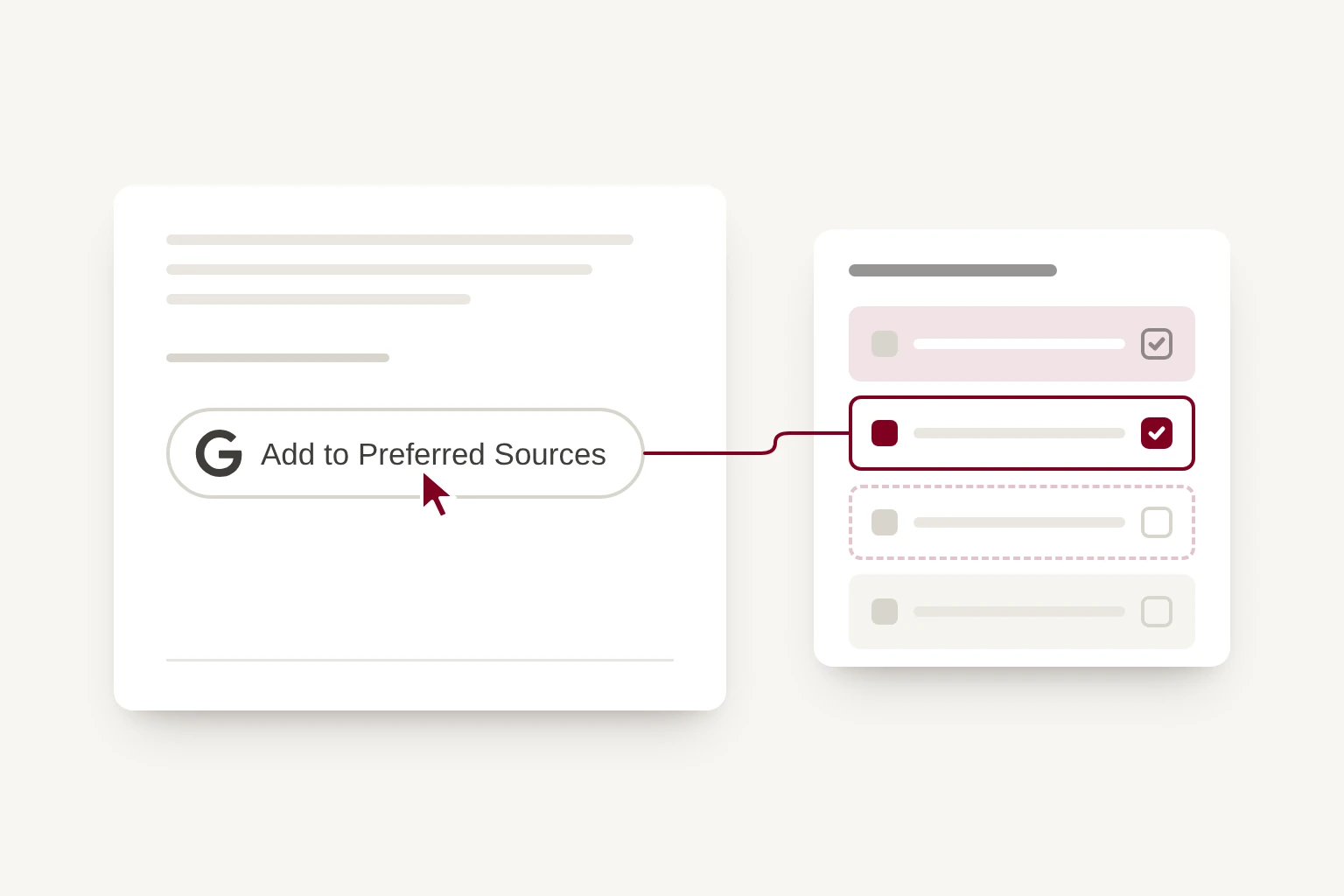
If you read the news online, you may have noticed a small button with Google's logo at the end of an article: Add to Preferred Sources. It has started to appear on more and more sites, from national newspapers to small blogs, including ours.
Here is what it is, what it does, and whether it is worth adding to your own website.
What it does for the reader
Google lets anyone signed in to their Google account choose the websites they would like to see more of. Google calls these preferred sources.
Once you have chosen a site, two things change for you:
- Top stories. When you search for something in the news, stories from your chosen sites are more likely to appear in the Top stories section of the results.
- AI answers. In AI Overviews and AI Mode, content from your chosen sites can be marked with a "preferred" label, so you can see which parts of an answer come from sources you trust.
It is personal. Choosing a site changes your own results, not anyone else's.
How a reader chooses a site
There are two ways:
- Press the button on a website that has one. It opens Google's page with that site already filled in.
- Go to google.com/preferences/source, search for the site and tick it. Google also shows a small star beside the Top stories heading in search results, which opens the same page.
You can change your mind on the same page by unticking a site.
It is available everywhere Google Search is, in every language.
What it does for the website
For a website, the benefit comes one reader at a time. Each person who chooses you is more likely to see your new articles when they search, and to see your name highlighted in Google's AI answers.
It does not lift you for everyone, and Google does not promise any extra traffic. It rewards sites that publish often, because the more you post, the more chances a reader has to see you.
That matters more than it used to. As more searches end with an AI answer rather than a list of links, being a source that people have chosen is one of the few signals a reader can give Google directly. We have written about the wider change in is your website in Google's AI answers?
Can your website use it?
Probably. Any website on its own domain, such as example.com, or its own subdomain, such as news.example.com, can be chosen.
A blog that lives in a folder of another site, such as example.com/blog, cannot be chosen on its own. That is not a problem if the blog is on your own domain, because readers choose the whole site. Ours is at whitespace-design.com/blog, so readers choose whitespace-design.com.
You do not need to sign up for anything. Your site does not have to be in Google News.
How to add the button
The button is optional. Readers can choose your site without it, but most will not know they can unless you ask. There are two ways to ask.
Google's own button. Add Google's script to your pages, and put a placeholder wherever you would like the button to appear:
- In the page's head:
<script async src="https://news.google.com/swg/js/v1/publisher.js"></script> - Where the button goes:
<div google-add-preferred-source-btn></div>
The button comes in a light and a dark version, and Google translates it into the reader's language.
A plain link. If you would rather not add a script from Google, a link does the same job. Replace example.com with your own domain:
https://www.google.com/preferences/source?q=example.com
Google also offers a set of ready-made badges to use with the link, or you can design your own.
If your website runs on a platform such as WordPress or Squarespace, adding the link to the end of each post is the simplest route. If you are not sure how, your web designer or developer can do it in a few minutes.
What we did
We added Google's button to the end of every post on our blog in November. We chose Google's own button over a plain link because people recognise it, and we load it only after the rest of the page, so it does not slow the article down. It appears on blog posts only, because those are what we publish often enough for someone to want more of.
Should you add it?
If you publish articles, news or advice regularly, yes. It costs nothing and takes a few minutes, and every reader who presses it is a little more likely to see your next post.
If your website rarely changes, there is little for a reader to choose you for yet. Start with a reason to come back, then add the button.
If you would like a hand with either, get in touch.