Is your website in Google’s AI answers, and should it be?
Search Console now shows which of your pages appear in Google's AI answers, and lets you opt out of them. This is what the new report tells you, what it leaves out, and how to decide whether to stay in.
6 min read
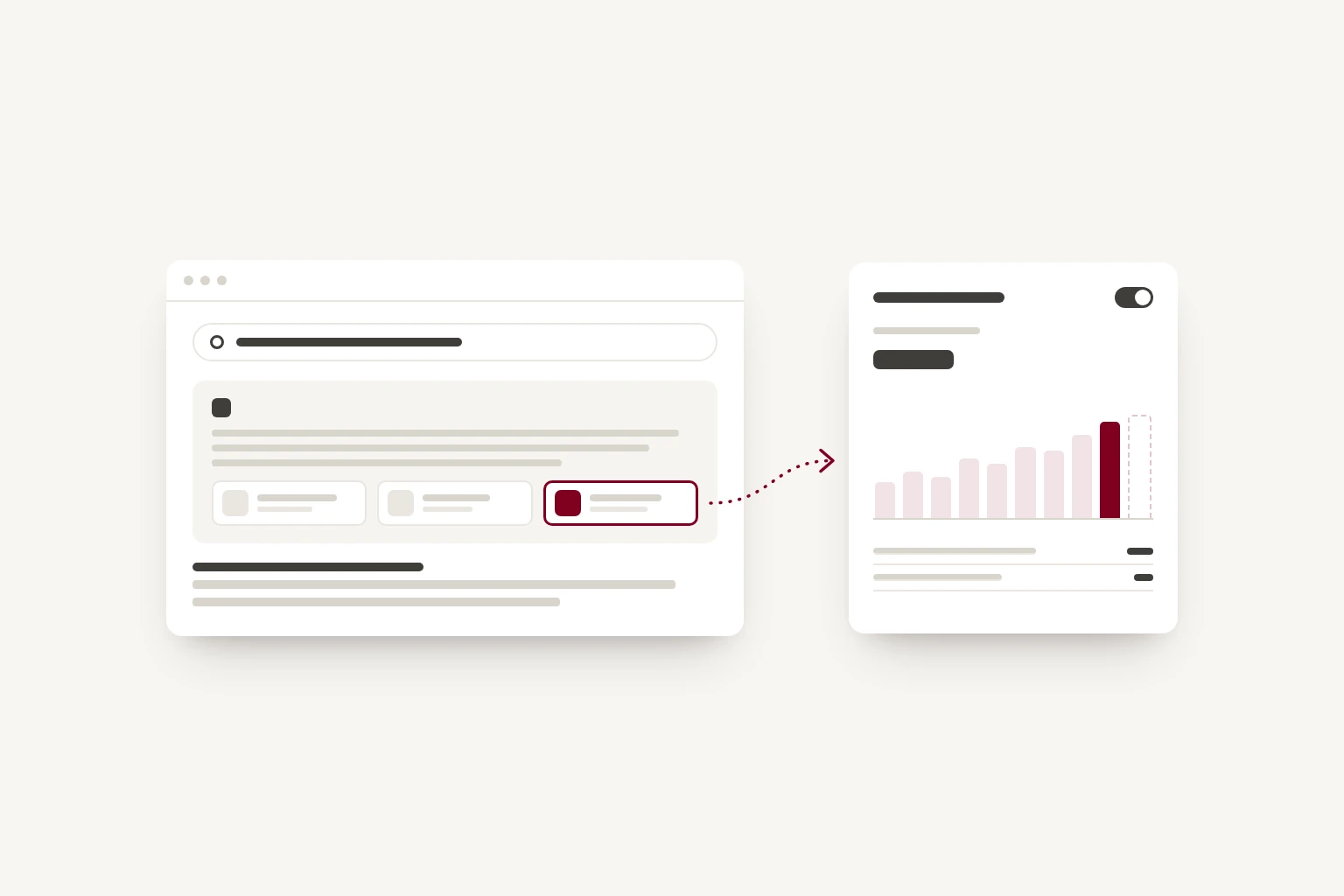
You can now find out. Since the end of August, Google's free Search Console tool shows website owners which of their pages appear in AI Overviews and AI Mode, and in which countries. It also gives you a setting to opt out. For many small businesses, the report is worth checking and the setting is worth leaving alone, but it depends on what your website does for you.
Two new things in Search Console
Google announced both in June, tested them in the UK, and confirmed on 31 August 2026 that they are available to all websites worldwide.
- A report showing how often your pages appear in Google's AI features: AI Overviews (the summaries at the top of some search results), AI Mode (the conversational search tab) and the AI features in Google Discover.
- A setting, under Settings and then Search generative AI, that lets you remove your site from those features.
If you have not set up Search Console for your site, it's free, and it's worth doing whether or not you care about AI. You add your site, prove you own it, usually by adding a short record to your domain settings, and the reports begin to fill in over the following days.
What the report shows
The report counts impressions: the number of times one of your pages appeared in an AI answer. You can break that down by:
- page, so you can see which parts of your site Google draws on
- country, which matters if you serve customers in more than one
- date, so you can see whether it's growing
- device, for appearances in Search.
That's useful on its own. It shows whether Google considers your site a source worth citing, and which pages it trusts for that. A service page that appears often is doing its job. An important page that never appears may need clearer information on it.
What it does not show
Three gaps are worth knowing before you read too much into the numbers.
It does not show clicks. An impression means your page appeared in an answer. It does not tell you whether anyone visited. Google is expected to add click data, and the UK's competition regulator has reportedly set a deadline of March 2027, but for now you cannot see it here.
It does not show the searches. You can see which pages appeared, but not what people asked to see them.
An impression is not a recommendation. Your page may be one of several sources behind an answer, and the answer may name a competitor more prominently than you.
Why checking a few searches yourself is not enough
It's tempting to type a few questions into Google and see whether your business comes up. It's worth doing, but it gives a partial picture. AI answers can change with the wording of the question, where the person is, whether they are signed in, and from one day to the next. A search you run once from your own office is one version of many.
The report is a better guide because it counts appearances across real searches by other people, rather than the handful you tried.
Connecting it to enquiries
Since the report cannot show clicks, you have to join it up with what you can see elsewhere.
- Note which pages appear most in AI answers. These are the pages Google is drawing on.
- Check the same pages in the ordinary Performance report, which does show clicks from Google Search. If a page's AI impressions are rising while its clicks are falling, people may be getting what they need from the summary.
- Look at those pages in your analytics, if you use a tool such as Google Analytics, to see whether visits to them lead to enquiries.
- Ask new customers how they found you. A short question on your contact form, with an option for AI assistants such as ChatGPT or Google's AI answers, can tell you more than a report can.
Look at the trend over a few months rather than week to week. The numbers can move for reasons that have nothing to do with you.
Should you opt out?
The setting is simple to use and easy to reverse. This is what it does, according to Google's own help page:
- It removes your content from AI Overviews, AI Mode and the AI features in Discover, usually within a few days.
- Your site then receives no traffic or impressions from those features.
- It does not affect your position in ordinary search results. Google says the setting is not used as a ranking signal elsewhere in Search.
- It applies to Google's features. It has no effect on ChatGPT, Claude or other assistants, which find sites by their own means.
One question decides it for many businesses: does someone need to visit you to get what they came for?
If you sell a service, such as a clinic, a builder, a holiday let or a design studio, the answer is usually yes. An AI answer that names you or cites your page can send you customers who are already partway to deciding. Opting out removes you from a place where more people are searching: by one analysis, AI Overviews appeared on 43% of Google searches by mid-2026, up from 15% a year earlier. For a business like this, staying in is likely to be the better choice.
If the information itself is what you offer, the answer may be no. A detailed guide or a set of reference pages can be summarised well enough that the reader does not need to visit, and if those visits are how you earn, the summary may be costing you. Even then, check the report and the Performance figures for a few months first, so the decision rests on your own numbers.
What makes a page more likely to be used
Google's updated guidance for site owners asks for content that is original rather than a restatement of what is available elsewhere, organised clearly, quick and easy to use, and supported by good images and video.
In practice, that means the pages about what you do should state the facts plainly: what you offer, where, for whom, and at what price where you can say. Our post on helping AI assistants find your business covers this in more detail, and much of it applies beyond Google.
Where to start
- Set up Search Console for your site, if you have not already.
- Open the new report and note which pages appear, and which important pages do not.
- Add a question to your contact form asking how people found you.
- Leave the opt-out setting alone unless your numbers give you a reason to change it.
If you'd like to see how readable your site is to search engines and AI tools in the meantime, our free website health check gives you a report in seconds.